136
136
Receiving Encrypted Emails
When you receive an email that has been encrypted by ProofPoint it will look something like this:
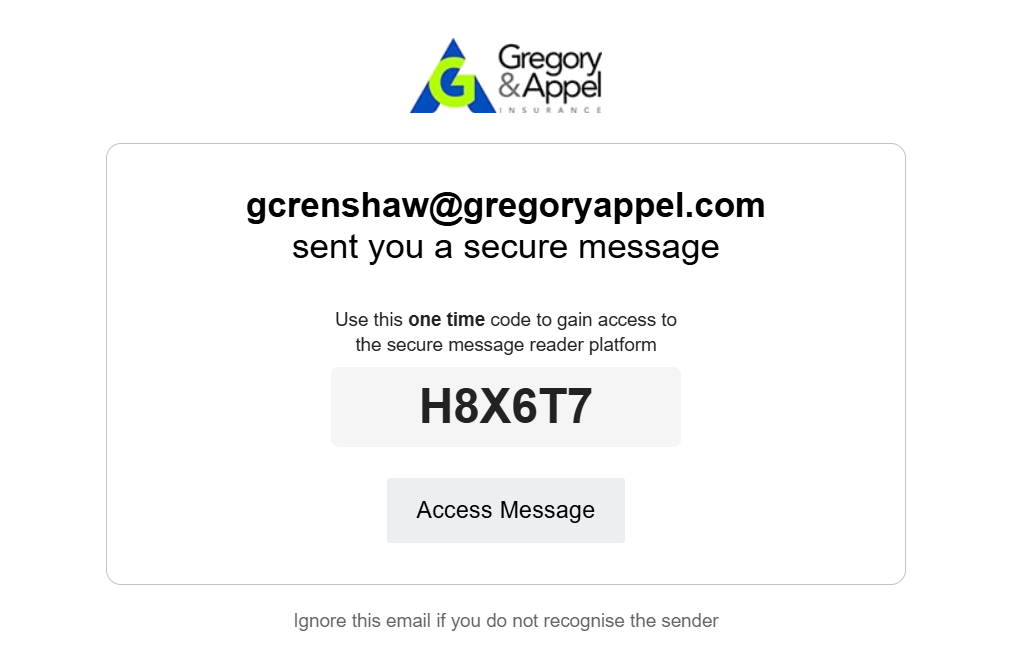
All you need to do is click on "Access Message" and it will take you to a page like the one below, and you'll insert the code from the email.
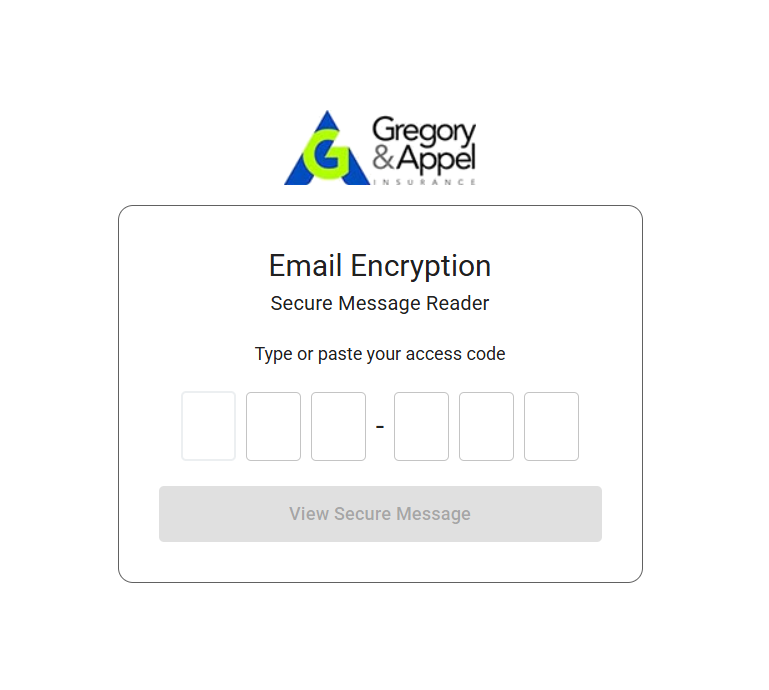
The link to the message will automatically expire after 30 days.
Sending Encrypted Emails
Emails can be automatically encrypted by ProofPoint based on a preset pool of different criteria to determine if there is any sensitive information in the email.
You can also ensure that your email will be encrypted simply by putting the word "secure" in the subject of the email.
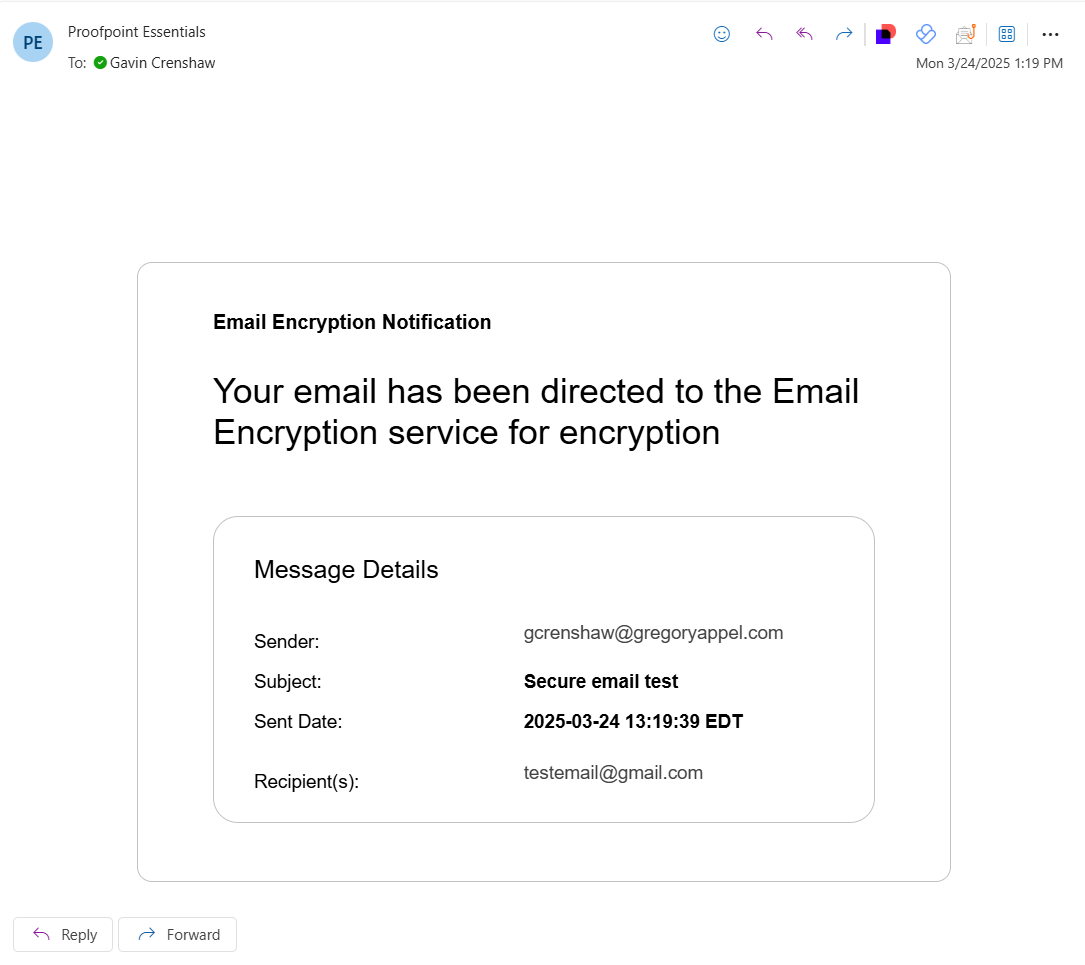
When an email is encrypted you will receive a message that looks like this:
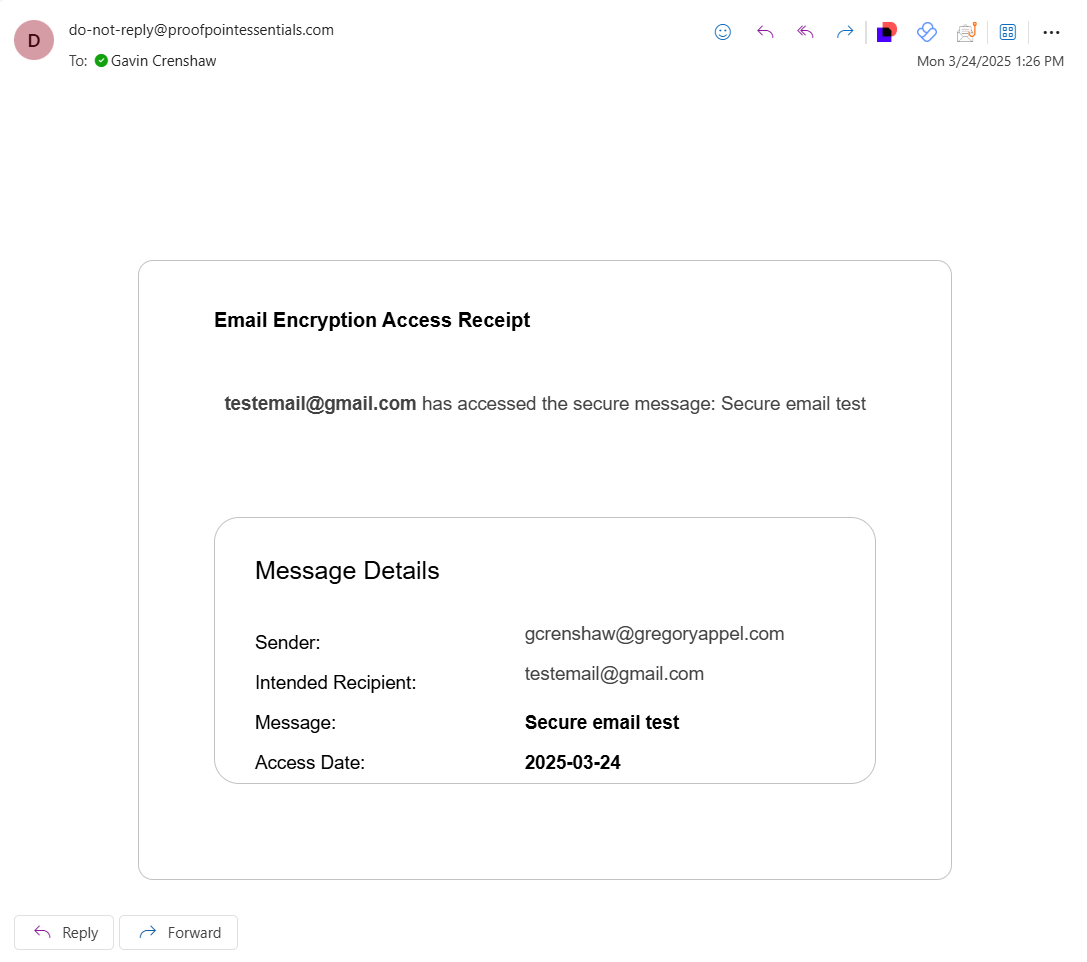
Once the email is opened by the recipient you will see another email letting you know. That email will look like this: