30
30
Please make sure that if this is a confidential file, that you use ShareFile or encrypt the message with the word "secure" in the subject line to adhere to HIPAA Standards
It has come to our attention that some users would like to know how to share copies of files that are from our SharePoint with a client without having to give them a direct link to the file in our SharePoint, essentially giving them external access to view the original document. Unfortunately, there isn't an inherent way to do this within the SharePoint webpage itself; there is however a workaround that will allow you to share a copy with a client through e-mail, that way they can work on the document themselves without making changes to the original.
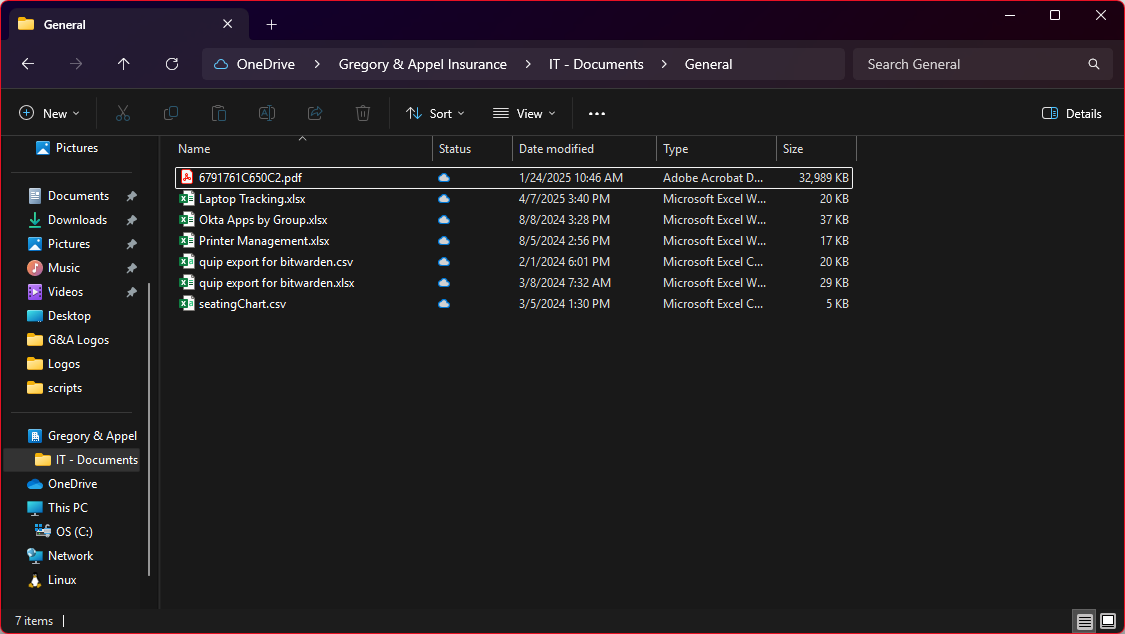
1. Open File Explorer, and navigate to the file in SharePoint that you want to share a copy of
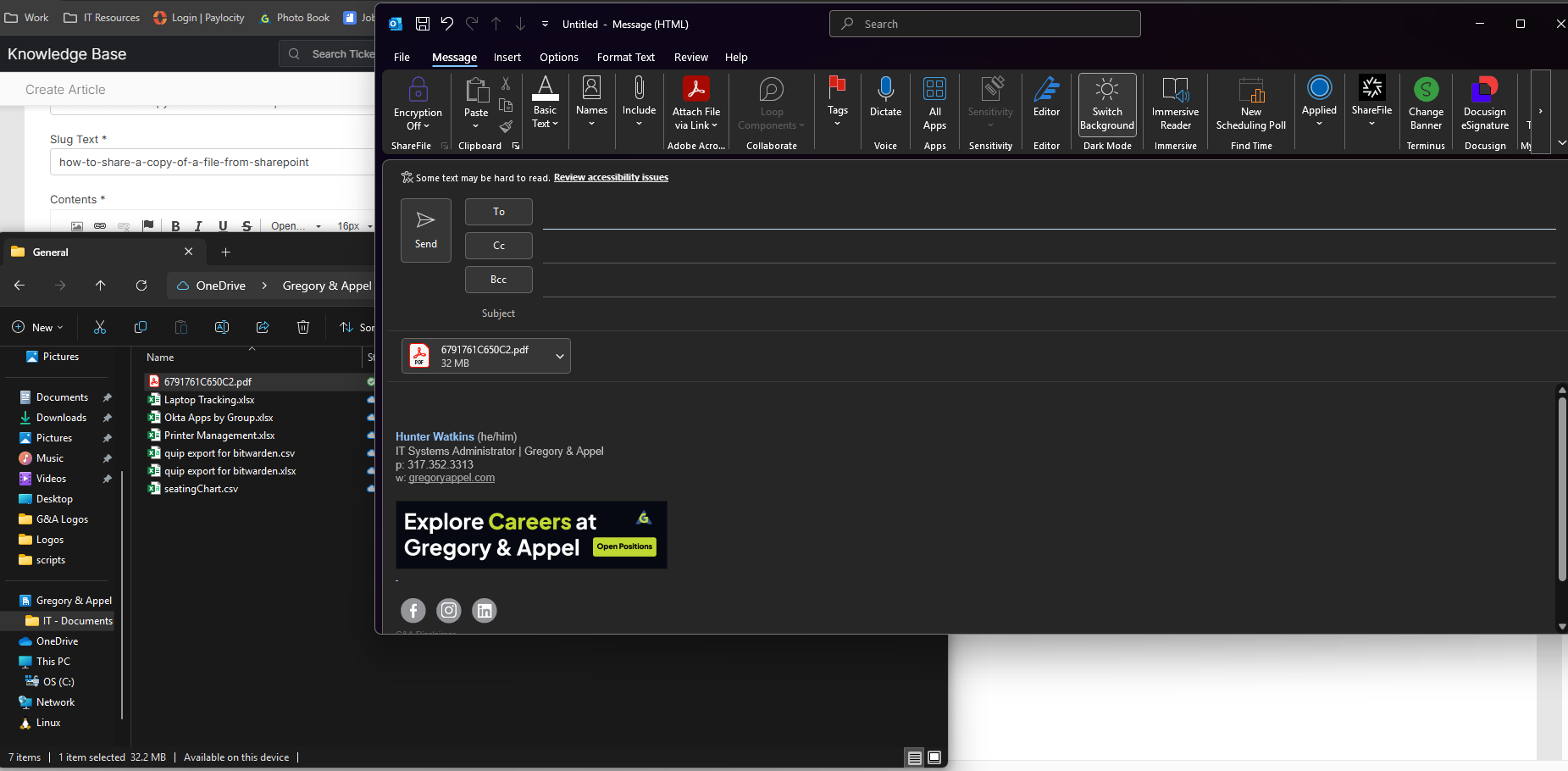
2. Start a New E-mail from within Outlook and then drag and drop the file into the Body of the e-mail. This will create an attachment of a copy of the file itself, and the user won't have access to the original SharePoint file at all.