CL Company Contacts

Mar 05, 2025
 59
59
Here’s how to add the CL Company Contacts to Outlook:
-
Click the grid icon on the left side of Outlook
-
Click on folders
-
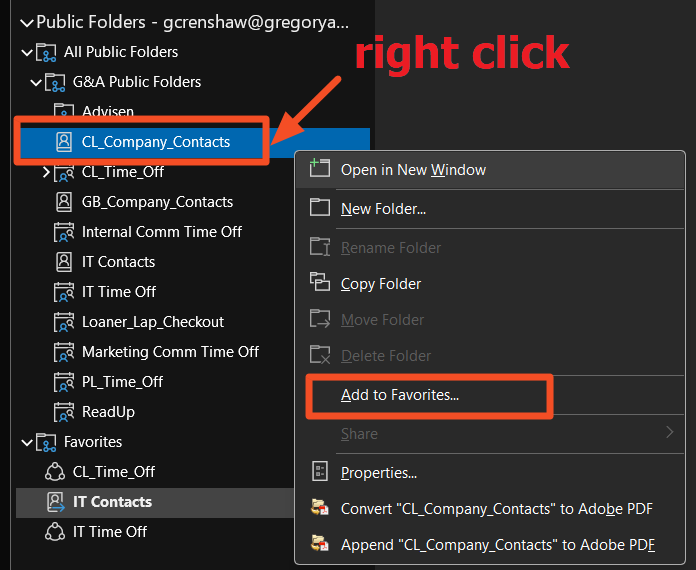
Go down to public folders
-
Open “All Public Folders” and then “G&A Public Folders”
-
Right click “CL_Company_Contacts”
-
Choose Add to Favorites
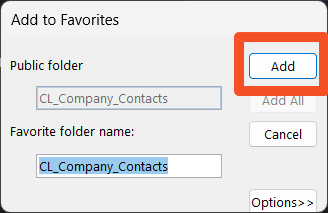
- Press "Add" on the window that pops up
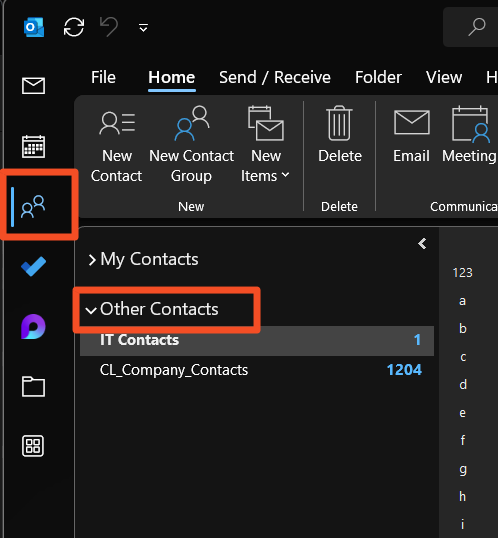
You should now be able to see the list from the Contacts pane under "Other Contacts"